 pdf-iq for Android
All seven tools, on your phone, with no browser tab open.
In closed testing on Google Play. When the public listing exists, the link will be here — there are no store links until there is a store page to link to.
Screens from the app
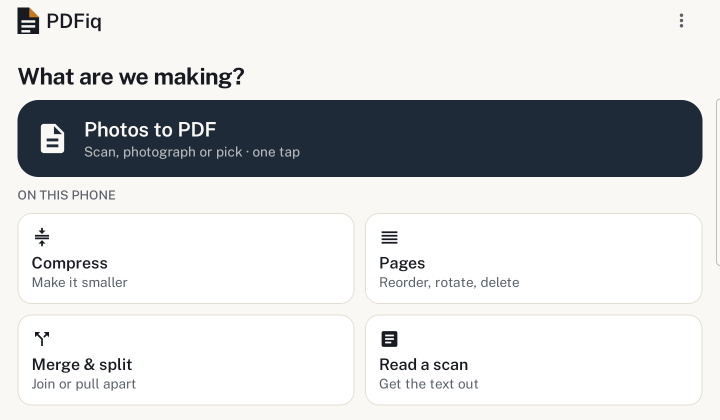
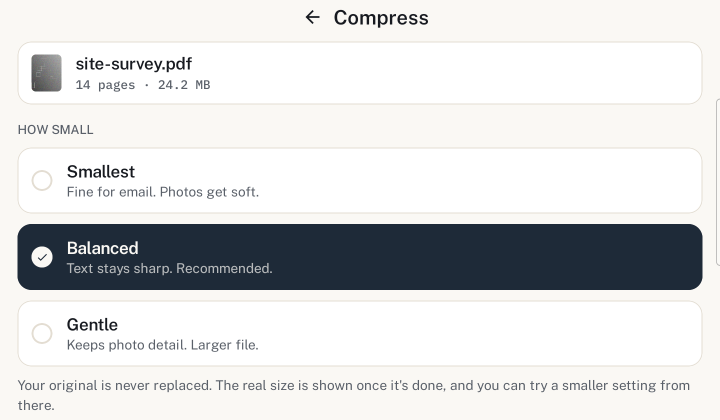
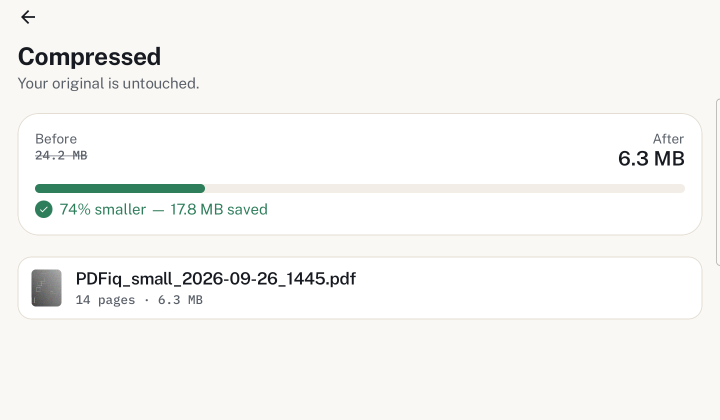
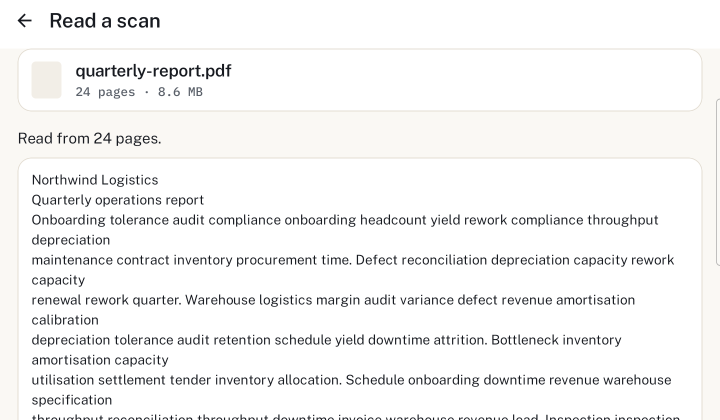
What a browser cannot do
This website already works offline on a phone, and the tools are the same tools. The app exists for three things a browser has no way to reach.
-
Opens a PDF straight from a WhatsApp message. No saving it somewhere first and hunting for it afterwards.
-
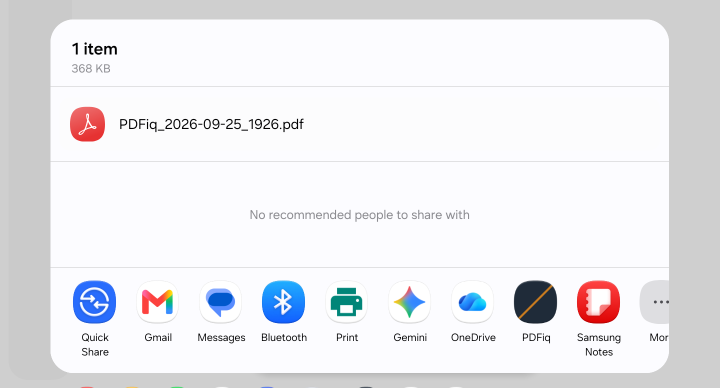
Appears in the Android share sheet. Share from any app and pdf-iq is in the list, beside everything else.
-
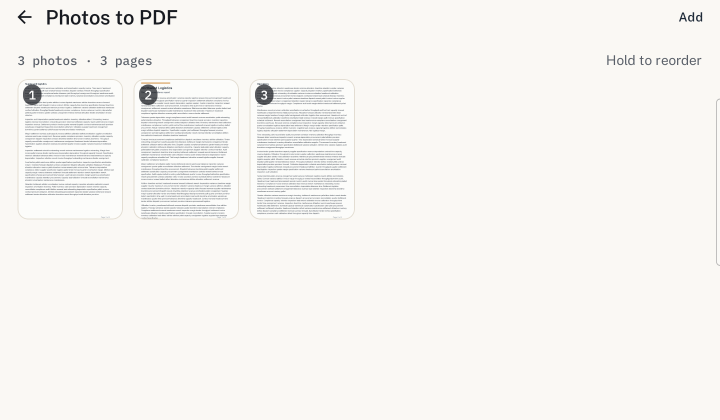
Photographs several pages in a row. Each becomes a page, in the order you add them — a document, not a folder of pictures.
Price
Today
Free
while we're new
- All seven web tools, offline, no account.
- Read a scan puts the text on screen, to copy or save as a .txt file. Its recogniser downloads once, through Google Play services.
- Opens PDFs from the share sheet and from chat apps.
- Photograph several pages in a row — each becomes a page, in the order you add them.
- No ads, and no advertising SDK in the build.
No store link yet — see the top of this page.
Pro — on the website
$14.99once
paid once, not a subscription · covers Pro in the web tools on this site, not the Android app · refunds
A PDF tool gets used a few times a year. Subscription is the usual model; this is bought once and kept. It is bought on the website, and it does not unlock anything in this app.
- Batch: compress, read or rotate many files at once
- Searchable-PDF output from OCR
- Advanced compression — target a file size or a dpi
- Password protect and password remove
Three of these are in the Android app as well: Batch, searchable PDFs and passwords. Compressing to a size is on the website.
$14.99 is the total. Any VAT, GST or sales tax is already included in it, not added at the checkout.
The seven web tools stay free and unlimited either way. Pro adds work the browser tools do not do; it does not fence off what is already free.
Why the app is free
Running it costs us nothing per user, because your phone does the work. It stays free while we are new and finding out what people actually need from it.
What we cannot sell
Your documents. They are never on our machines, so there is no data business here even if we wanted one. That is also why none of the tools asks you to sign in.
What Pro pays for
Four things the free tools do not do, all run on your device, so what it pays for is building and maintaining them. Paid once, not rented. The details are on the Pro page.
Summaries are not part of Pro, in any quantity. Everyone gets ten a month, Pro or not, and anything beyond that comes from credit packs bought when you need them. A monthly allowance attached to a payment made once would eventually cost more to serve than the payment brought in, so Pro does not carry one.
Why summaries are only ever in the app
Summarising means sending the text of your document to Google's Gemini API, and it needs an account to meter. Both of those are fine in an app you chose to install. Neither is fine on the website, whose whole argument is that your files never leave your device — and which prints a live count of bytes sent at the bottom of every page so you can check that claim yourself.
Putting summaries on the web would break the one promise the site makes checkable, in the exact place it is checkable, and would put a sign-in in front of something free, on a site where nothing free asks for one. So they are not coming to the web. That is a decision, not a roadmap gap.
What the app sends, and what it does not
The app is not silent in the way this website is, and it would be dishonest to imply otherwise on a page selling it.
- Your PDFs and photos stay on the phone. Every editing tool runs locally.
- It contains Firebase Analytics and Crashlytics, which report feature usage and crashes.
- Read a scan uses Google's ML Kit, which sends Google a small usage report (such as the device model, app version, locale and an identifier for the installation) — never the page or its text.
- AI summarise sends the extracted text of a document to Google's Gemini API. It is the only feature that does, and the only one needing an account.
- It contains no advertising SDK, and asks for neither storage nor camera permission.